Using ChatGPT or Claude for Legal Work? Check These 3 Things First
You paste a contract into ChatGPT or Claude and get a confident summary in seconds. Before you act on it, run these three checks.
Key takeaways:
- ChatGPT and Claude are only as useful as the context you give them.
- Always tell the AI the relevant jurisdiction, and ask what facts are missing.
- For important conclusions, ask for sources and verify that they actually support the answer.
- Match the amount of review to the consequences of getting the answer wrong.
- Use AI to prepare and speed up legal work, and keep another verification layer available for consequential decisions.
You paste a contract into ChatGPT or Claude. Thirty seconds later, you have a summary, a list of potentially problematic clauses, suggested edits, and an explanation that sounds like it came from someone who has reviewed hundreds of agreements.
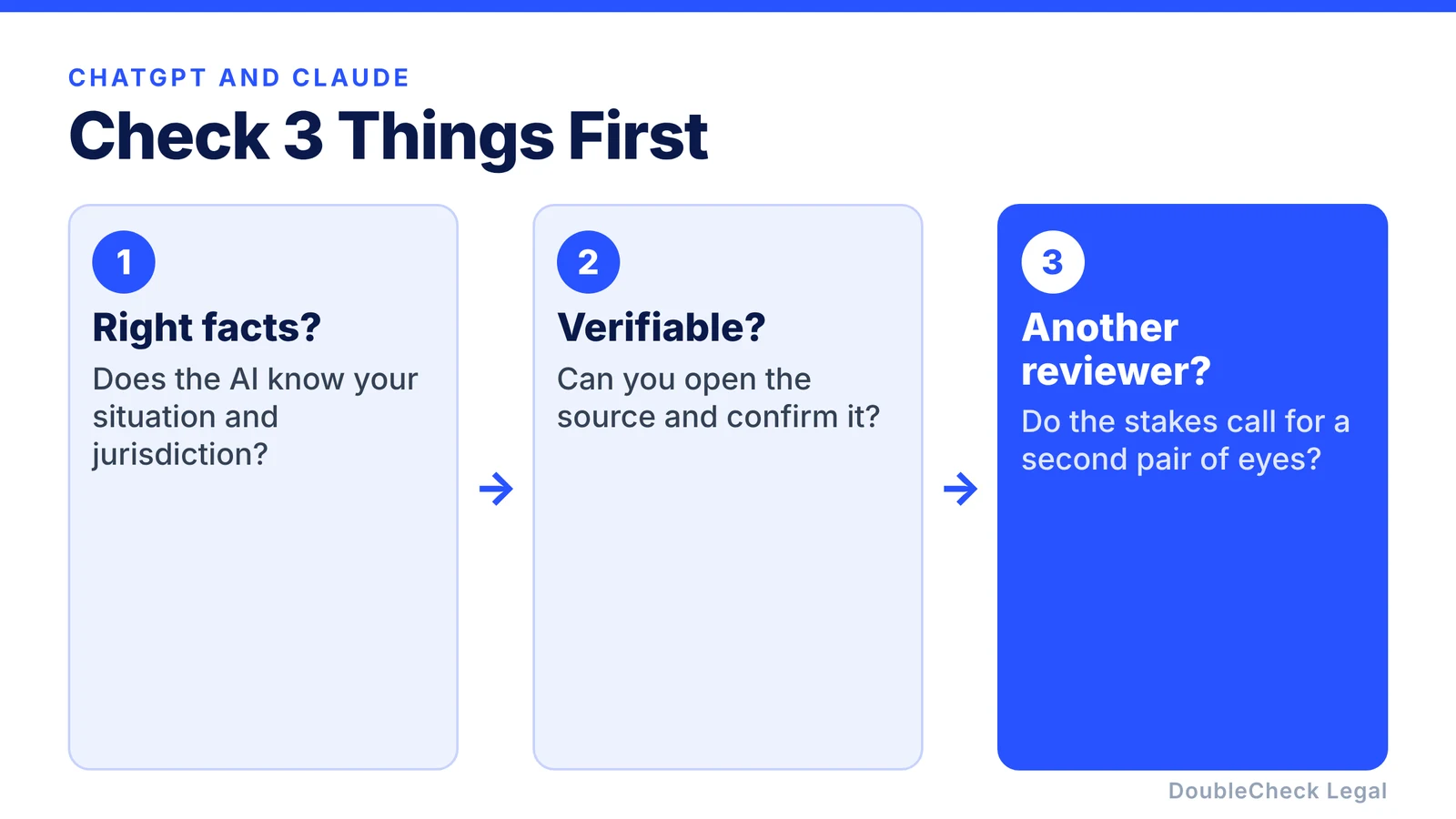
That is incredibly useful. But before you send the revised contract, make a business decision, or rely on what the AI told you, check three things:
- Does the AI have the right facts?
- Can you verify what it is telling you?
- Is this a decision that should have another layer of review?
Those three checks can make the difference between using AI as a powerful legal-work assistant and simply trusting a very convincing answer.
1. Check whether ChatGPT or Claude actually understands your situation
The first question is not “Is the AI smart enough?” It is “Did I give it enough information?” Legal questions depend heavily on facts. Suppose you ask:
“Is this non-compete enforceable?”
The answer could depend on where you live, where you work, the law governing the contract, your employment status, when the agreement was signed, and what the provision actually says. If none of that appears in the prompt, the AI has to fill in the gaps, and that is where problems begin.
Give the AI the situation, not just the document
Instead of uploading a contract and writing “Review this,” try:
“I am the founder of a California software company. We are negotiating this agreement with a larger enterprise customer. This is their standard contract. Our priorities are keeping our intellectual property, avoiding unlimited liability, preserving reasonable termination rights, and getting paid within 30 days. Review the agreement with those priorities in mind. Identify anything important you cannot determine from the information I provided.”
That final sentence matters. It pushes the system to surface missing context instead of silently guessing.
Tell it the jurisdiction
For legal work, location should become almost automatic. Include the relevant state, country, and potentially city, and if several jurisdictions may matter, say so:
“The company is a Delaware corporation headquartered in California. The contractor lives and works in Texas. The agreement says Delaware law governs.”
Ask it to identify its assumptions
Another simple prompt can improve the workflow:
“List the assumptions you made in reaching this conclusion.”
If the AI responds “I assumed the employee works in California,” but the employee actually works in New York, you have found an important problem before relying on the answer.
2. Check the sources, not just the AI’s explanation
ChatGPT or Claude can give you an excellent explanation. If the answer matters, the explanation should not be the end of the process. Ask:
“What sources support this conclusion?”
Then go one step further:
“Show me which source supports each important claim.”
The second question is stronger because it forces a claim-to-source relationship instead of a general reading list.
A source is only useful if it supports the claim
Imagine the AI tells you “California law requires X” and links to a government website. That looks reassuring, but you still need to check that the page actually says X. Sometimes a source discusses the general topic without supporting the exact conclusion. Sometimes a rule has exceptions. Sometimes the source is old, or the AI has interpreted it incorrectly. For important matters, inspect the material yourself.
Prefer authoritative sources
Depending on the question, useful sources can include:
- federal or state statutes,
- regulations,
- government agency guidance,
- court opinions and official court materials,
- official regulatory publications,
- and the underlying contract or other primary document itself.
Secondary articles and blogs can help explain a concept, but an explanation about the law is different from the law itself.
Ask whether the information is current
Legal rules change, and AI systems can work from information that is not fully current unless they have access to current sources. Add a date check:
“What is the most current authoritative source you are relying on, and when was it last updated?”
You can also ask, “Has this rule changed recently?” The answer still needs verification, but you have made recency part of the research task.
Make the AI argue against itself
Once you have an answer, ask:
“What is the strongest argument that this conclusion is wrong?”
Or:
“Review your answer as a skeptical second lawyer and identify unsupported conclusions.”
You are not expecting the AI to guarantee correctness. You are using it to make uncertainty visible, which is valuable.
3. Check whether the consequences justify another reviewer
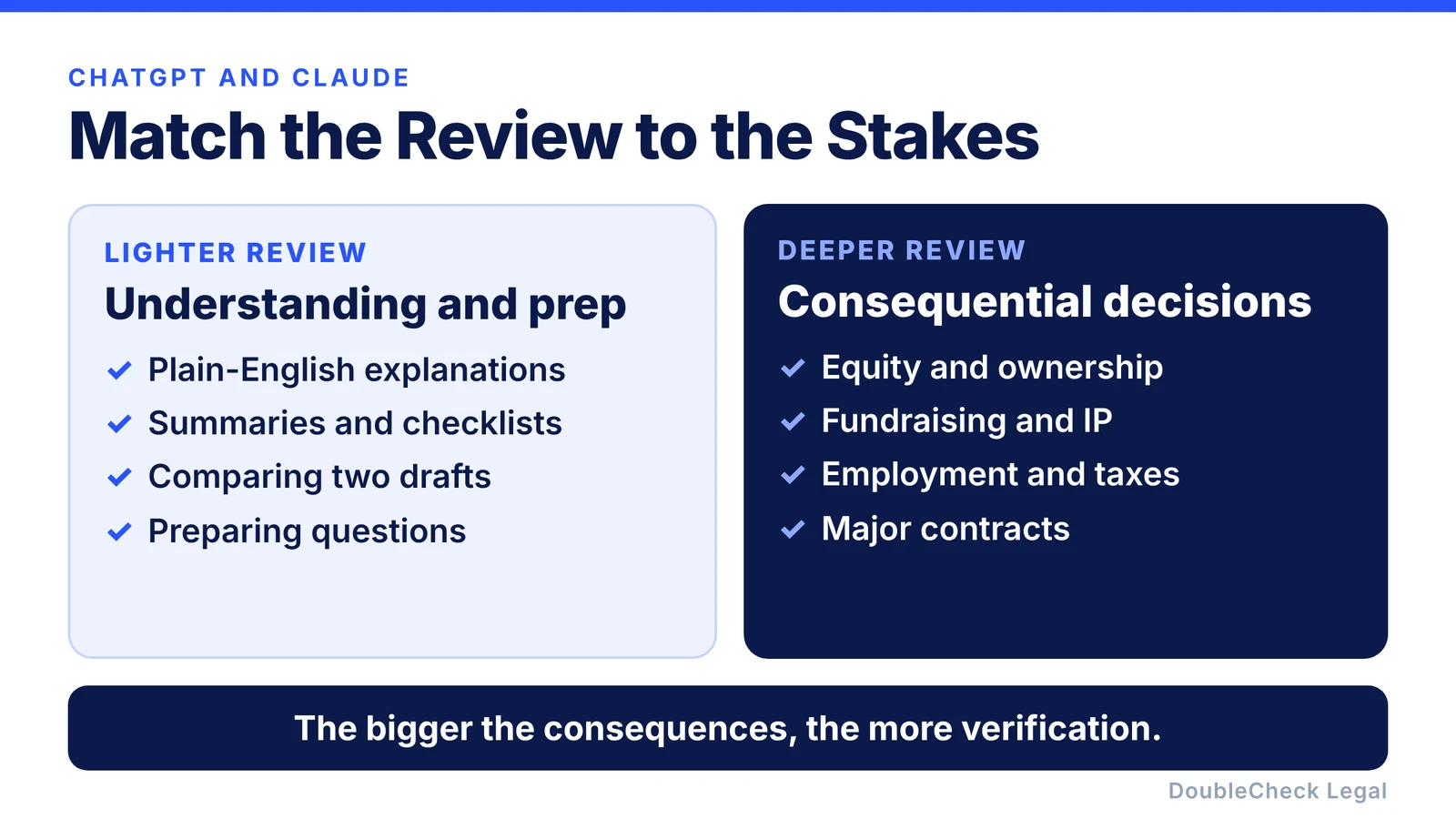
Not every legal question deserves the same workflow. If you ask Claude to “explain this confidentiality provision in plain English,” the consequences of a small mistake may be limited. If you ask ChatGPT “Should I sign this $2 million acquisition agreement?”, you are in a very different category. The higher the consequences, the stronger the verification should become.
Lower-stakes AI legal work
AI can often be particularly useful for:
- understanding terminology,
- summarizing a document,
- creating a checklist,
- comparing two drafts,
- finding questions you should investigate,
- organizing information for an attorney,
- preparing a first draft,
- and turning complicated language into plain English.
Higher-stakes AI legal work
Be more cautious when the decision involves areas such as founder ownership, equity, intellectual property, fundraising, employment decisions, major commercial agreements, material liability, taxes, regulatory requirements, litigation or threatened disputes, or a company sale or acquisition.
In these situations, another layer of review can be disproportionately valuable. That layer does not always have to start with an expensive legal engagement. You might first verify the sources, ask another model to critique the result, organize the important documents, and identify the precise point of uncertainty, then get professional review on the part that actually requires judgment.
A simple workflow for ChatGPT or Claude
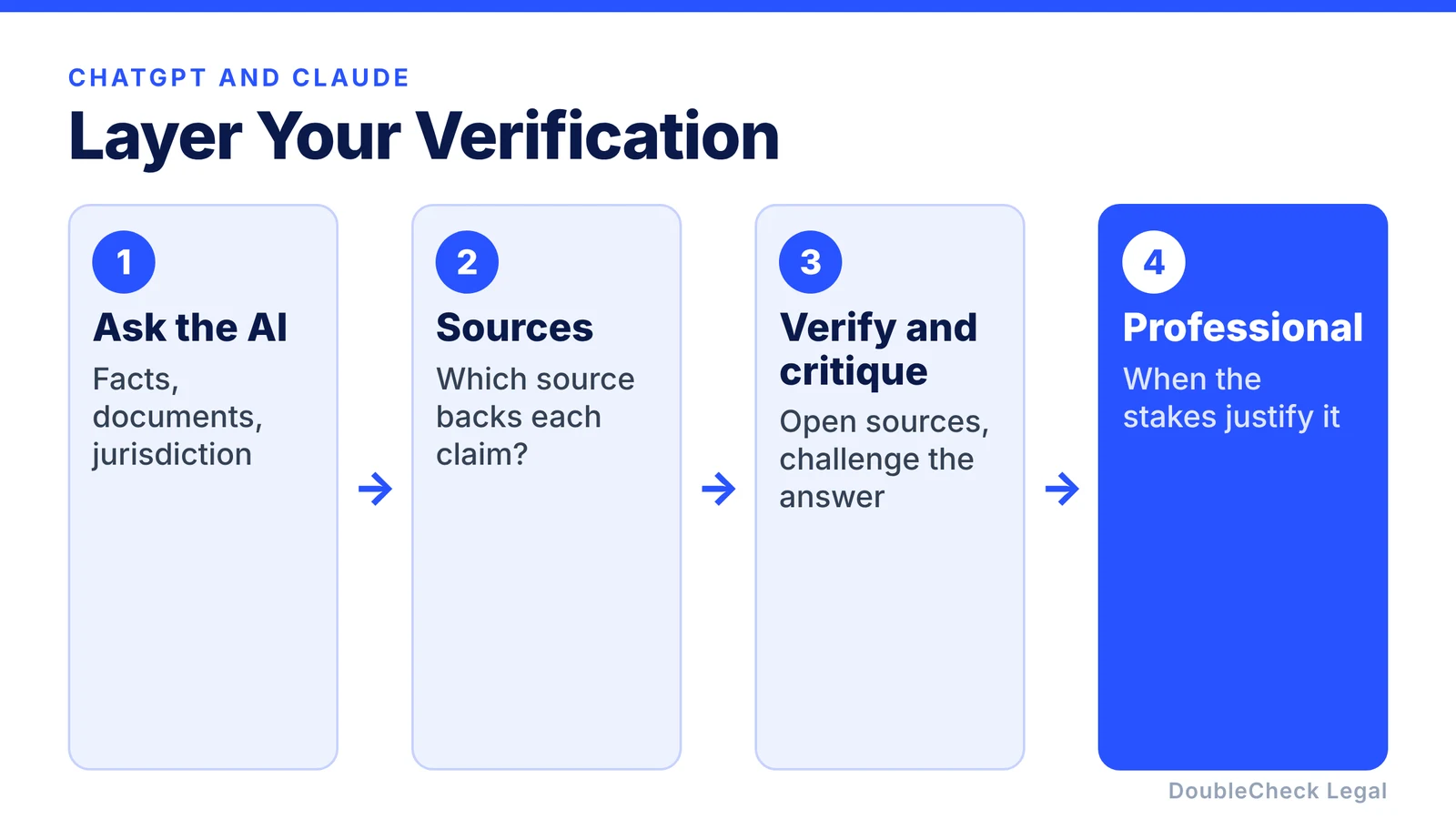
Instead of thinking “AI or lawyer?”, think in layers:
- Ask the AI. Give it the facts, documents, jurisdiction, objectives, and concerns.
- Ask what is missing. Have it identify assumptions, missing documents, unclear facts, and areas of uncertainty.
- Ask for sources. Find out what supports the important conclusions.
- Verify. Open the important sources and make sure they support the claims.
- Critique. Ask the same model or another model to challenge the conclusion.
- Escalate when necessary. If the issue remains uncertain or the consequences are substantial, involve a qualified professional.
ChatGPT and Claude can make legal work cheaper before they make it autonomous
One of the most important benefits of AI may not be replacing professional legal work. It may be reducing how much professional time is required.
Before AI, you might send an attorney a 40-page contract with “Can you review this?” With AI, you can arrive with a much more focused request:
“I reviewed this agreement and identified four issues: IP ownership in Section 7, uncapped indemnification in Section 10, automatic renewal in Section 14, and the termination provision in Section 16. Here is the business context and the outcome we want. Can you review these issues and tell me what I am missing?”
You understand more, your questions are better, and the professional can spend more time on judgment and less on establishing basic context.
Where DoubleCheck fits
General-purpose tools such as ChatGPT and Claude are excellent at generating and explaining information. Legal work adds another need: verification. DoubleCheck is designed around that part of the workflow, helping you move from simply receiving an AI-generated answer toward understanding the issue, reviewing supporting information, identifying missing context, and deciding whether the matter deserves another level of review. When professional judgment becomes necessary, the workflow can move toward an attorney rather than starting from zero.
AI can help you ask better legal questions. Double-checking helps you decide when you can rely on the answers.
FAQ
Can I use ChatGPT for legal work?
ChatGPT can be useful for summarizing documents, explaining terminology, drafting initial language, comparing agreements, organizing facts, and preparing for professional review. Important conclusions should be independently verified.
Can I use Claude to review contracts?
Claude can help analyze and explain contracts, especially when given the complete document and relevant business context. Contract interpretation can depend on jurisdiction, related documents, negotiation history, and other facts, so consequential conclusions may require additional review.
Is ChatGPT or Claude better for legal work?
Model capabilities change frequently, and performance can differ by task. Rather than assuming one model is always better, focus on the quality of the context you provide and the verification process you apply to the result.
Can ChatGPT or Claude give legal advice?
General-purpose AI systems can provide legal information and help analyze legal questions, but an AI-generated answer should not automatically be treated as advice from a qualified attorney who understands your specific circumstances.
How do I verify an AI-generated legal answer?
Ask which sources support each significant conclusion, inspect those sources yourself, check that they are current and apply to the relevant jurisdiction, identify assumptions, and add another reviewer when the consequences of an error are significant.
Should I tell an attorney that I used AI to draft a contract?
It can be useful to tell the attorney that AI was involved and explain what you asked it to do. More importantly, give the attorney the relevant facts, documents, business objectives, and the specific areas where you want review.
General information only. This article is not legal, tax, investment, or accounting advice.