Can You Use an AI Notetaker in a Business Meeting? 5 Things to Check First
AI notetakers can record, transcribe, and summarize your meetings. But unlike asking ChatGPT to summarize a document, they may be recording other people. Check these five things first.
Key takeaways:
- Tell people the meeting is recorded and get appropriate consent; state rules can be stricter than federal law.
- Know where audio and transcripts are stored, who can access them, and whether they are used to train models.
- Ask your lawyer before using an AI notetaker in a legal conversation.
- Set one company rule, and turn the notetaker off for sensitive meetings.
Instead of taking notes yourself, you can have an AI join a Zoom call, record the conversation, create a transcript, summarize decisions, and generate action items. Very useful.
But there is one important difference between asking ChatGPT to summarize a document and putting an AI notetaker into a meeting: the AI may be recording other people. Before using an AI meeting assistant, check these five things.
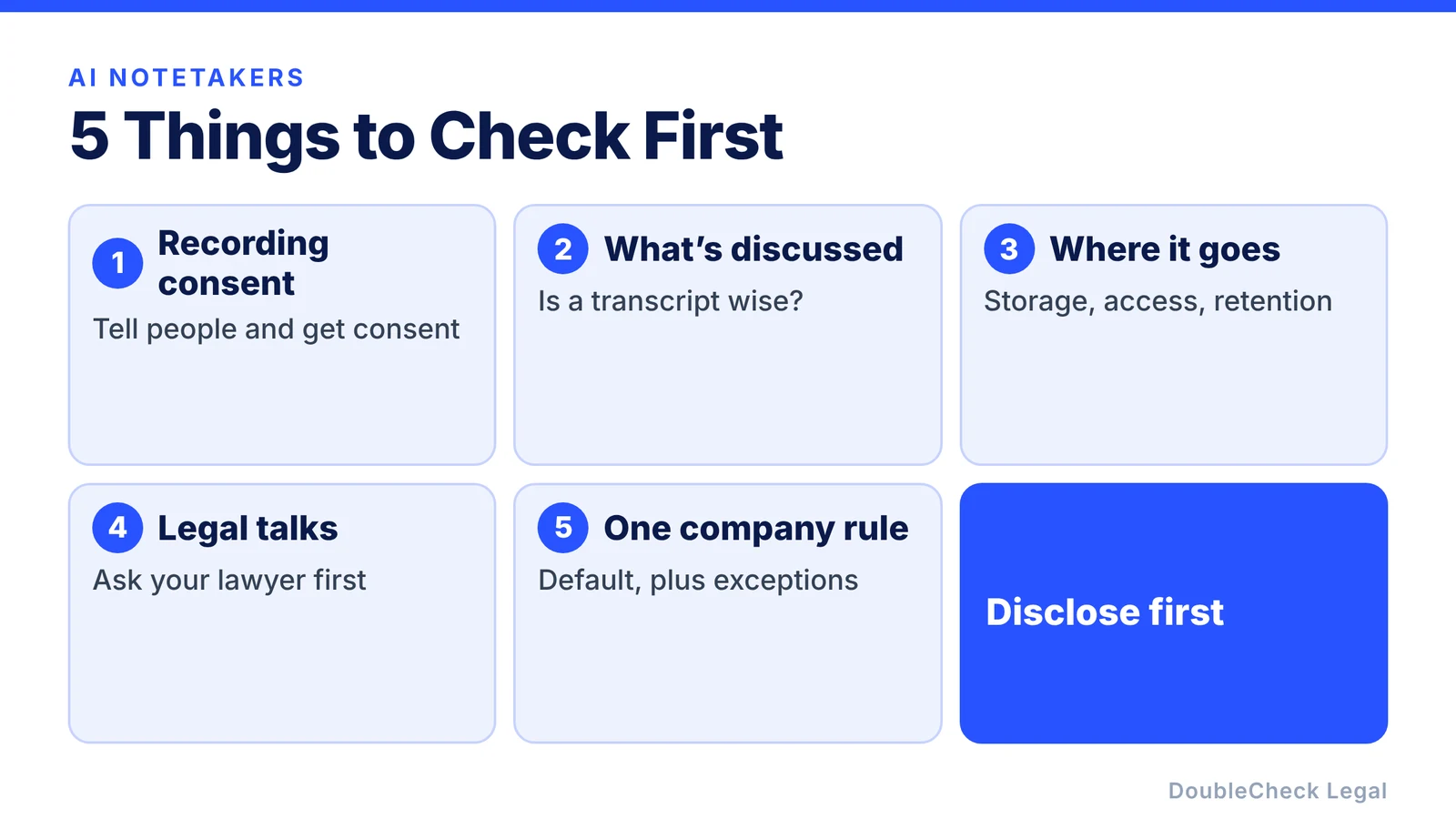
1. Make sure recording the conversation is allowed
Recording laws in the United States depend on where the people on the call are located. Federal law generally permits recording when at least one party to the conversation consents, but some states require everyone’s consent, and the stricter rule can matter when participants are in different states.
Instead of trying to work out which rule applies on every call, a simple operational approach is:
Tell people the meeting is being recorded or transcribed, and get appropriate consent before recording.
Many meeting platforms already show a recording notice when recording starts, but do not assume that notice covers a separate AI notetaker joining as a participant. Check how your tool announces itself.
2. Ask what information will be discussed
A sales demo is different from a conversation about:
- employee performance,
- customer information,
- acquisition plans,
- financial information,
- trade secrets,
- litigation,
- or legal advice.
Do you actually want a permanent transcript of that conversation?
Sometimes the right decision is simply:
Turn the notetaker off.
3. Check where the transcript goes
Recording is only the first part. Ask:
- Where is the audio stored?
- Where is the transcript stored?
- How long is it retained?
- Who can access it?
- Can employees share it?
- Can it be exported?
- Does the provider use any of the information to improve its products or models?
These questions matter most when meetings contain confidential business information. The answers can differ between a free personal plan and a business plan from the same provider, so read the terms for the plan you actually use. If your company has no written rules yet, our AI policy template for small businesses includes a starting point.
4. Be especially careful with legal conversations
If you are speaking with your lawyer about a confidential legal matter, do not automatically invite a third-party AI notetaker into the meeting.
Sending a privileged conversation through an outside AI transcription service can raise confidentiality and attorney-client privilege questions, depending on the circumstances, the technology, and the safeguards involved. Whether privilege is affected is a legal question for your attorney, not something to guess at.
Ask your lawyer first.
A meeting with counsel is probably not the place for:
“My AI assistant automatically joins everything.”
Many notetaker tools can be set to join only meetings you choose. Turning off auto-join for calendar events with outside counsel is an easy first step.
5. Create one company rule
You do not need employees to perform a legal analysis before every Zoom call. Create a default rule. For example:
AI meeting recorders may be used only when participants are appropriately notified and the meeting does not involve highly sensitive information unless additional approval has been obtained.
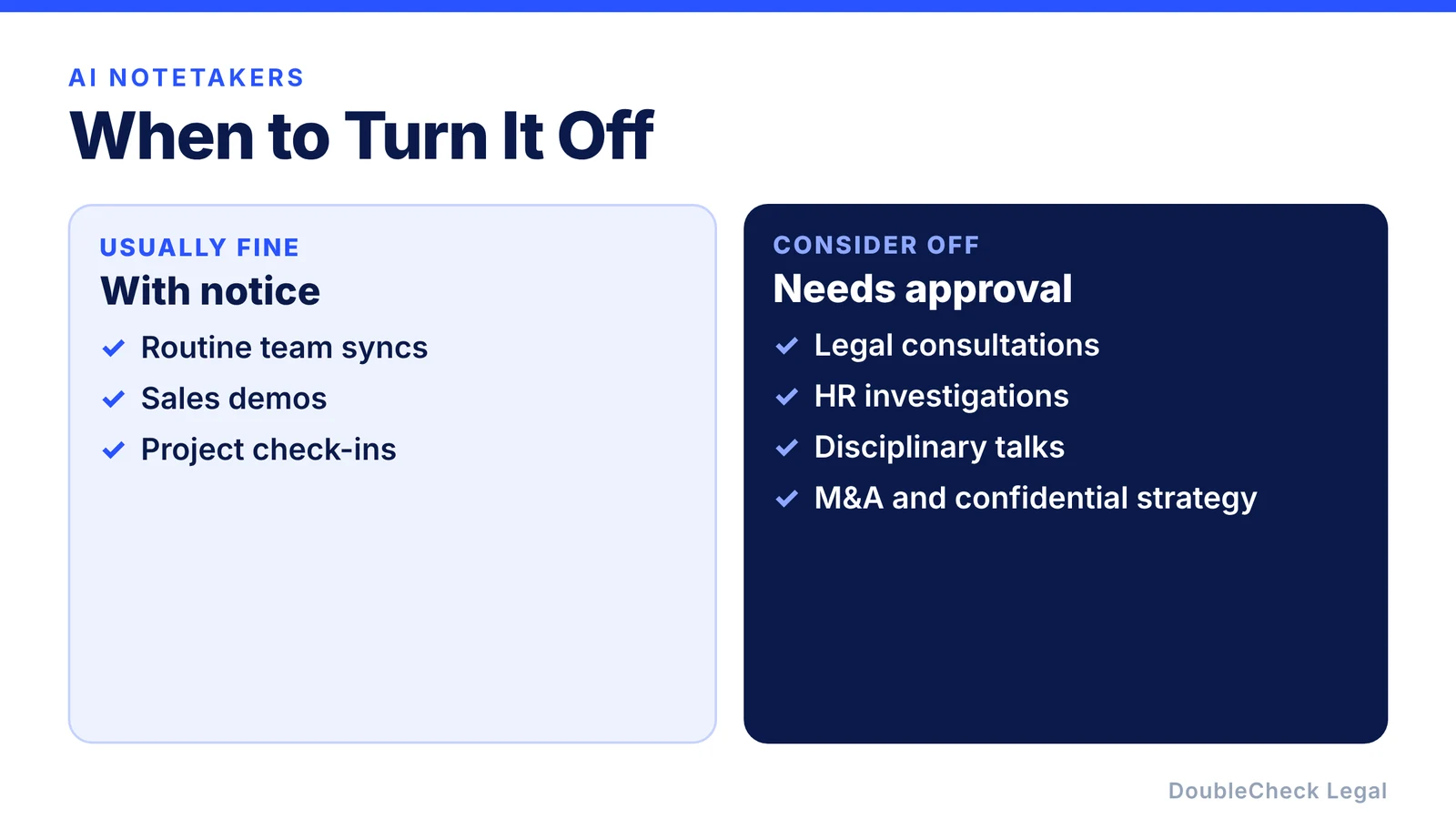
Then define the meetings where recording should normally be off. For example:
- legal consultations,
- HR investigations,
- disciplinary conversations,
- highly confidential strategy,
- sensitive customer discussions,
- M&A discussions.
The exact categories depend on your company.
The easiest rule: disclose first
AI meeting assistants are useful enough that companies are unlikely to stop using them. The better approach is to make the workflow predictable.
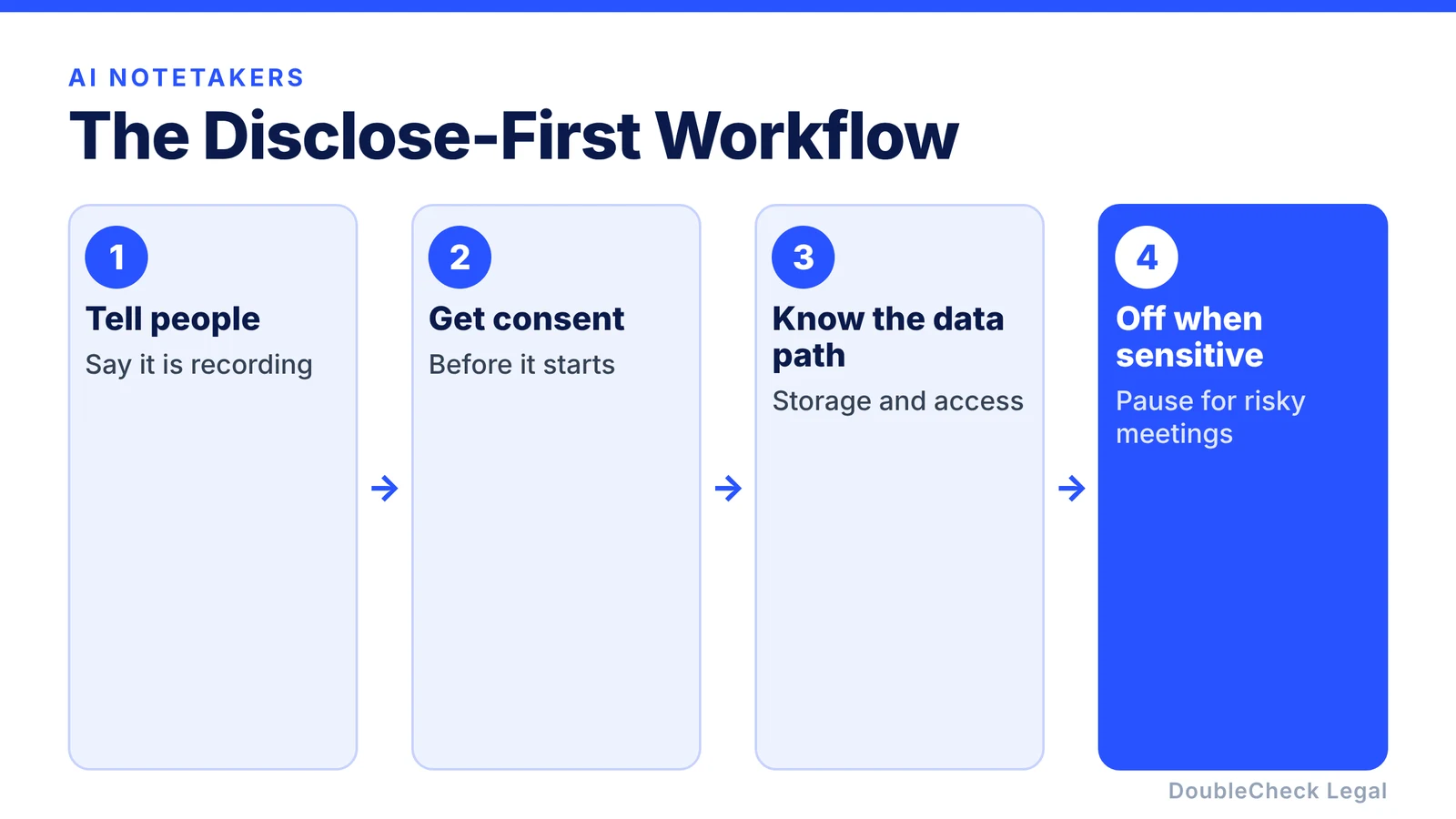
Tell people → obtain appropriate consent → know where the data goes → turn it off for sensitive meetings
That is much safer than automatically recording every conversation simply because the software makes it possible.
Where DoubleCheck can help
If your company is unsure about recording requirements, employee policies, confidential meetings, or how different state rules apply to your business, you can research the question first with AI, then verify the sources. Our guide to verifying AI-generated legal work shows how.
DoubleCheck is built for businesses that start legal work with AI. Bring your question or draft, use an AI-first workflow to understand and verify it, and when professional advice is warranted, you can connect with an independent attorney. Attorneys on DoubleCheck are independent professionals; an attorney-client relationship forms only if an attorney accepts your engagement.
FAQ
Is it legal to record a Zoom meeting with an AI notetaker?
It depends on the circumstances and applicable law. Recording-consent requirements differ between jurisdictions, so businesses should determine which rules apply and use appropriate disclosure and consent procedures.
Should I tell people an AI is taking notes?
Yes, clear disclosure is a strong operational practice, particularly when the tool is recording or transcribing the conversation.
Should I use an AI notetaker when talking to my lawyer?
Ask your attorney first. Recording a conversation or sending it through a third-party AI service can create additional confidentiality and privilege considerations.
General information only. This article is not legal, tax, investment, or accounting advice.