ChatGPT vs. Claude vs. Gemini for Legal Work: Which Should You Use?
All three can help with contracts and legal prep, and the models change fast. Here is how to choose, how to test them on your own documents, and why verification still matters.
Key takeaways:
- There is no universal winner. Choose by your documents, workflow, and settings.
- Run the same prompt on the same real document in each tool.
- Use a second tool to critique the first, but do not treat agreement as proof.
- Check data and privacy settings before uploading anything sensitive.
- Verify sources and add attorney review when the stakes are high.
If you want to use AI to review a contract, draft an NDA, research a legal question, or prepare work for an attorney, which one should you use: ChatGPT, Claude, or Gemini?
The short answer
There is no universal winner. ChatGPT, Claude, and Gemini can all explain a contract, summarize a document, compare versions, draft a first version, and help you prepare questions for an attorney. The models and products behind all three change quickly, so a ranking that was true six months ago may not be true today.
That is why the better question is not “which is best?” but “which is best for my documents and my workflow, and how will I check the result?” None of them should be treated as a substitute for verifying important legal work.
What all three can help with
For everyday business legal work, the common ground is large:
- explaining clauses in plain English,
- summarizing long agreements and building tables of obligations,
- comparing two versions of a contract,
- drafting a first version of routine documents,
- asking “what am I missing?” and listing assumptions,
- turning a messy situation into a timeline and a list of questions for counsel.
Our guides to using AI for legal work as a business owner and using Claude for business legal work walk through prompts for each. Those techniques work in any of the three.
How to choose between them
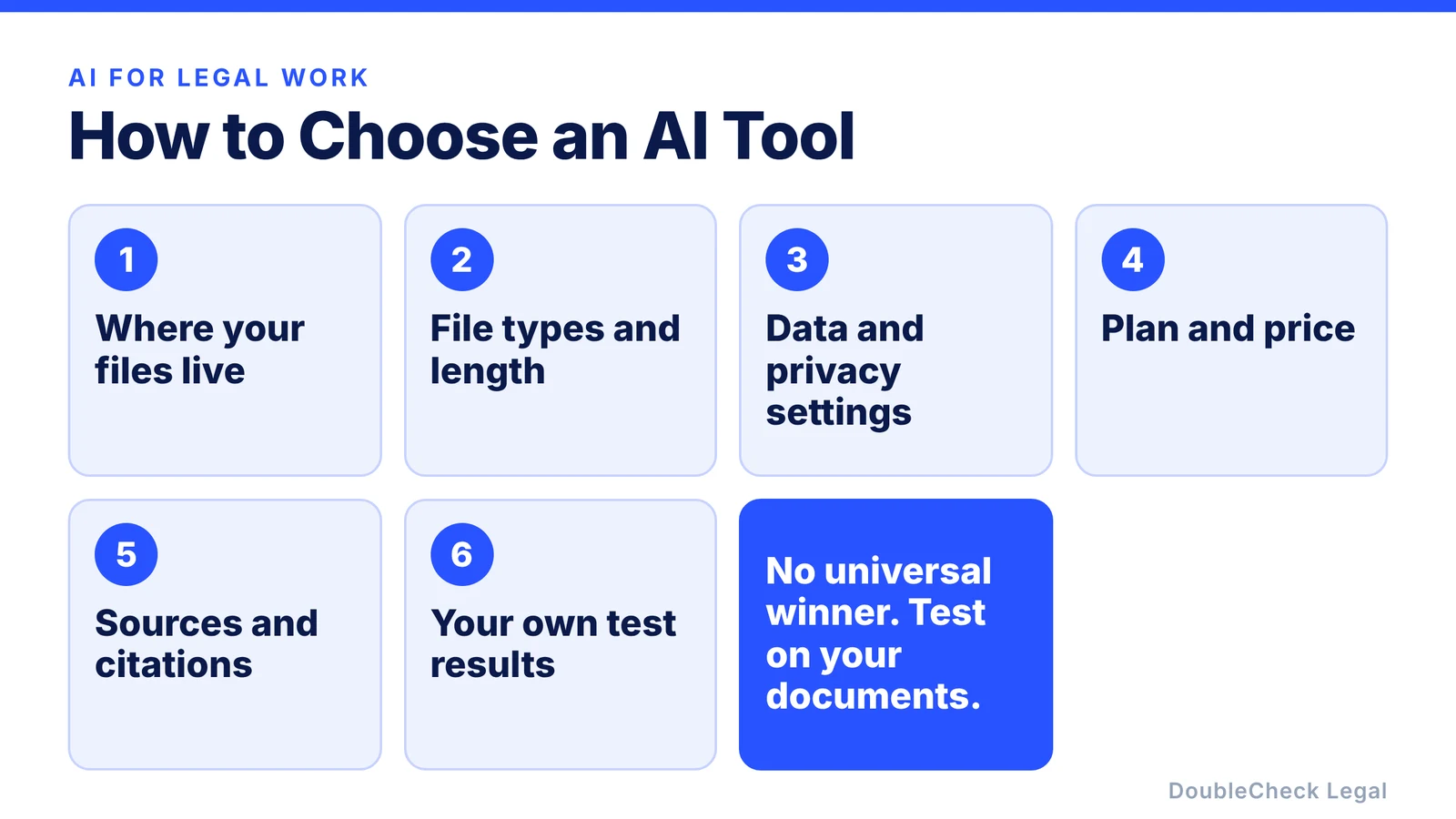
Instead of trusting a generic ranking, choose on the things that actually differ for you:
- Where your files live. If your documents are in Google Docs, Drive, and Gmail, a tool that works inside Google Workspace may save steps. If you work elsewhere, that advantage may not matter.
- File types and length. Check how each tool handles your longest contract, scanned PDFs, spreadsheets, and exhibits. Limits vary by product and plan.
- Data and privacy settings. Understand each service’s settings and retention terms, and your company’s confidentiality obligations, before you upload anything sensitive. Consumer and business plans can differ.
- Plan and price. Features available to you depend on the plan you pay for, and they change often.
- Sources and citations. Some workflows can search the web or your files and show sources. Whether that is available, and how reliable it is, depends on the product and settings.
- Your own test results. This one matters most. See the next section.
Run a 15-minute bake-off on your own document
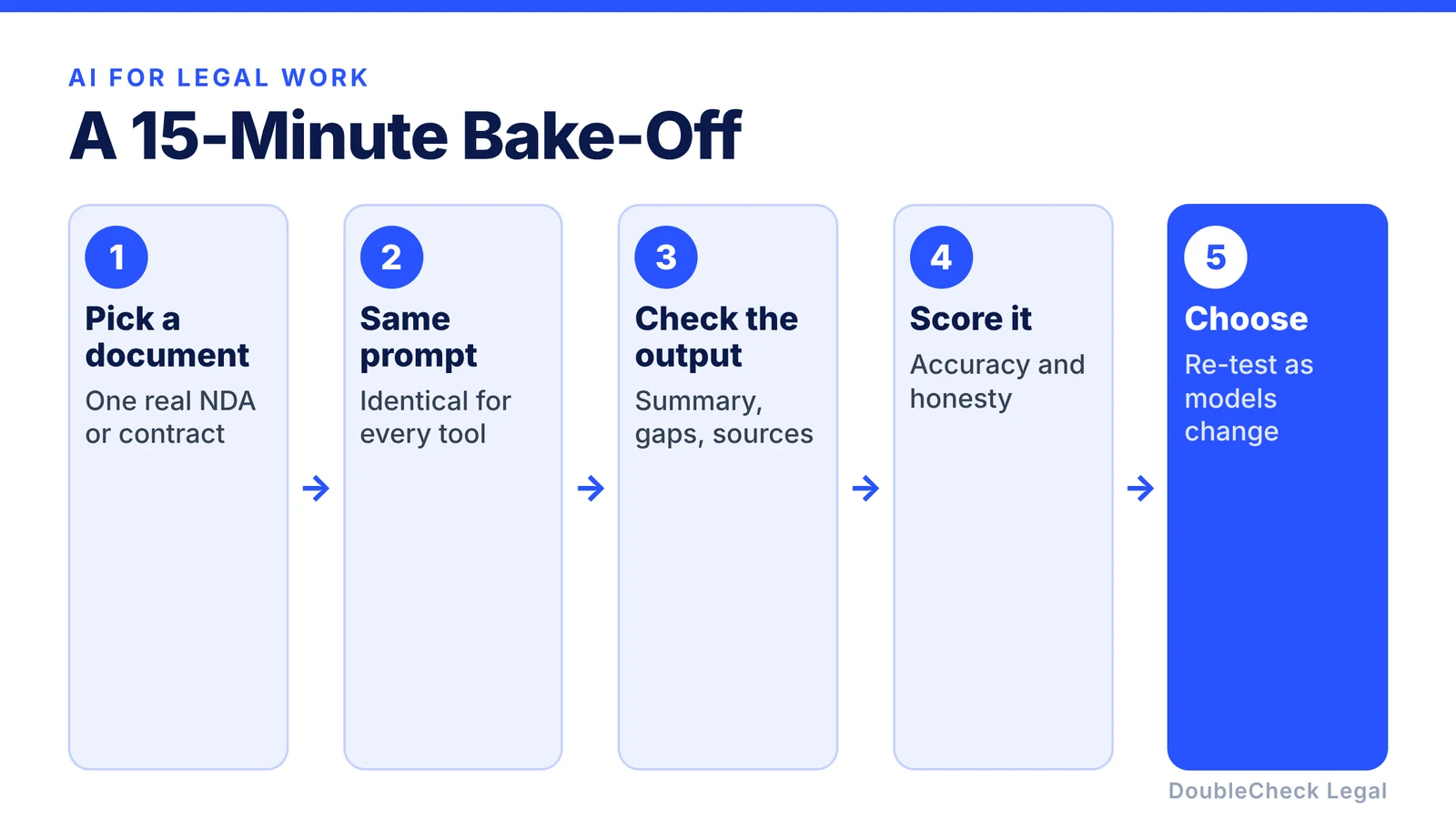
Published comparisons age quickly, and they test someone else’s documents. You can test the tools on yours in about fifteen minutes:
- Pick one real document you already understand, such as a past NDA or vendor agreement.
- Use the exact same prompt in each tool, for example: “Explain this agreement to a non-lawyer, list the five provisions that create the biggest obligations, and tell me what is missing.”
- Check the output against the document itself. Did it get the facts right? Did it invent or miss anything?
- Score it on accuracy, whether it admitted uncertainty, whether it flagged a real gap, and how clearly it wrote.
- Choose, then re-test when the models or your needs change.
Because you already know the document, you will quickly see which tool misreads it or glosses over the risky parts.
For important work, use more than one pass
For a consequential contract, you do not have to pick a single model. A simple pattern:
- Draft or analyze with one tool.
- Give the result to a different tool and ask: “Find mistakes, missing provisions, and unsupported assumptions in this analysis.”
- Verify the important sources yourself.
- Bring in an attorney where professional judgment matters.
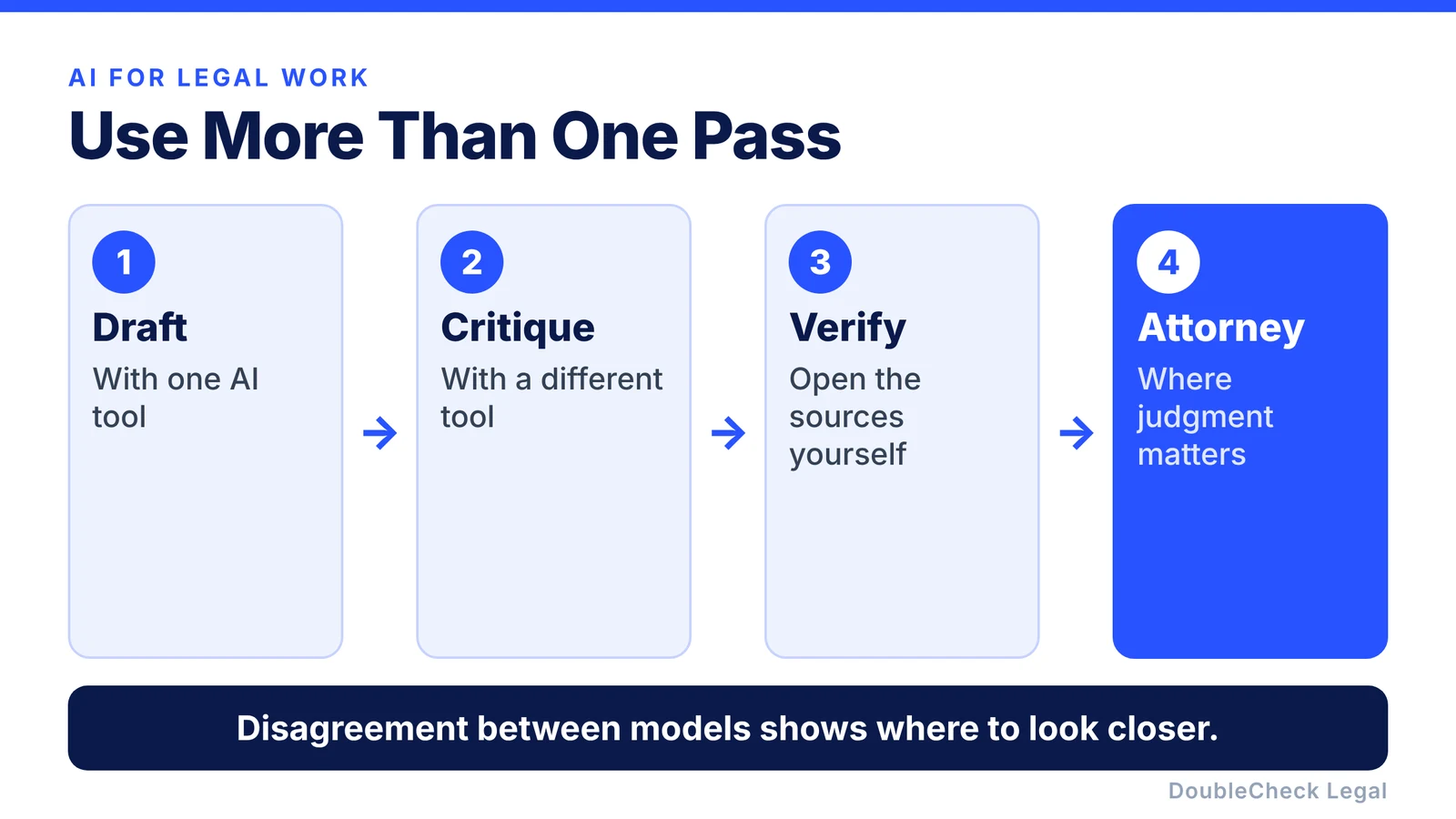
Using two AIs does not make an answer legally correct, because both can share the same blind spot. But disagreement is useful: it tells you where to investigate. Our checklist for verifying an AI-generated legal document shows how to run this step by step, and three checks for ChatGPT and Claude legal work covers the basics.
Do not assume it is right because it sounds professional
AI-generated legal answers can contain wrong conclusions or citations that look convincing. A 2024 Stanford study, “Hallucination-Free? Assessing the Reliability of Leading AI Legal Research Tools”, tested Lexis+ AI, Westlaw AI-Assisted Research, and Ask Practical Law AI and found that they hallucinated between 17% and 33% of the time. Those were older systems and not general chatbots such as ChatGPT, Claude, or Gemini, so the figures are not a ranking of today’s models.
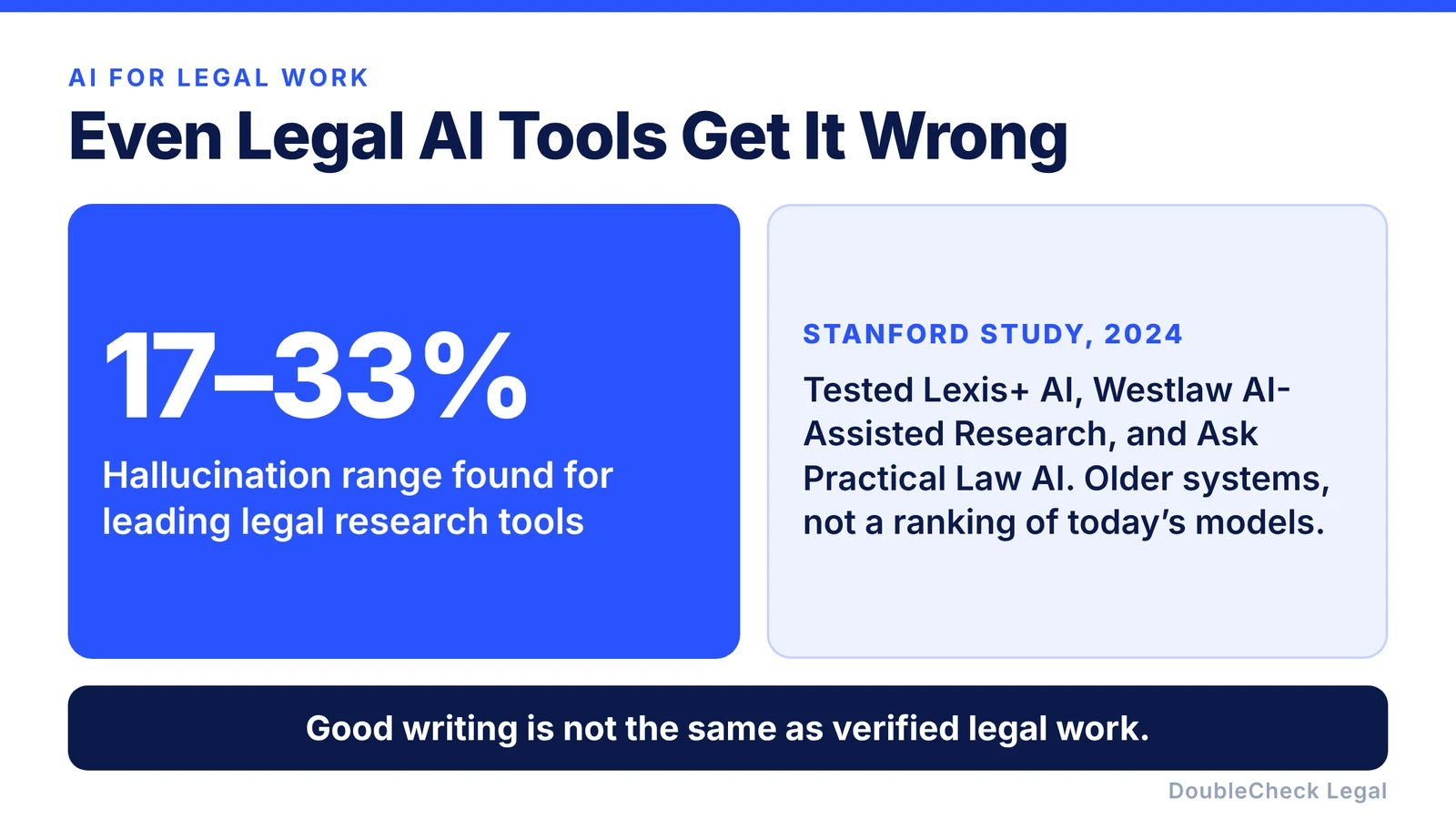
The lesson still holds: good writing is not the same as verified legal work. Check the jurisdiction, open the sources, and add professional review when the consequences of an error are significant.
Where DoubleCheck fits
You can use whichever AI works best for you: draft an NDA in one, analyze a customer agreement in another, research in a third. DoubleCheck is built for the next stage: helping you check the document, identify missing information, look at the sources, and decide what needs more verification, with a path to independent attorneys when professional advice is appropriate. DoubleCheck’s attorneys are independent professionals, and an attorney-client relationship is formed only if an attorney accepts the engagement.
The question is not only which AI is best. It is whether you have a reliable way to check what the AI produced.
FAQ
Is ChatGPT or Claude better for legal work?
Neither is universally better. Both can help with explaining, summarizing, comparing, and drafting. The best choice depends on your documents, your workflow, your plan, and how each tool performs when you test it on your own material.
Is Gemini good for reviewing contracts?
Gemini can analyze documents and help with many of the same tasks as other major AI tools. It may be especially convenient if your work already lives in Google Workspace. As with any tool, test it on your own documents and verify important conclusions.
Can ChatGPT, Claude, or Gemini give legal advice?
They can provide legal information, draft language, and help analyze questions, but an AI response should not automatically be treated as personalized advice from a licensed attorney who knows your circumstances.
Which AI is safest for legal work?
No AI system’s output should be assumed correct for consequential legal work. Check each service’s data and privacy settings, verify important sources, confirm the relevant jurisdiction, and get professional review when the cost of an error is significant.
Should I use more than one AI for a contract?
It can help. A second model may catch omissions or flag disagreements worth investigating, but agreement between two models is not proof that a document is correct.
General information only. This article is not legal, tax, investment, or accounting advice.