How to Save Money on Legal Work With AI Without Skipping a Lawyer
The goal is not to avoid lawyers. It is to stop paying for work you can prepare yourself, so professional time goes to judgment. Here is how.
Key takeaways:
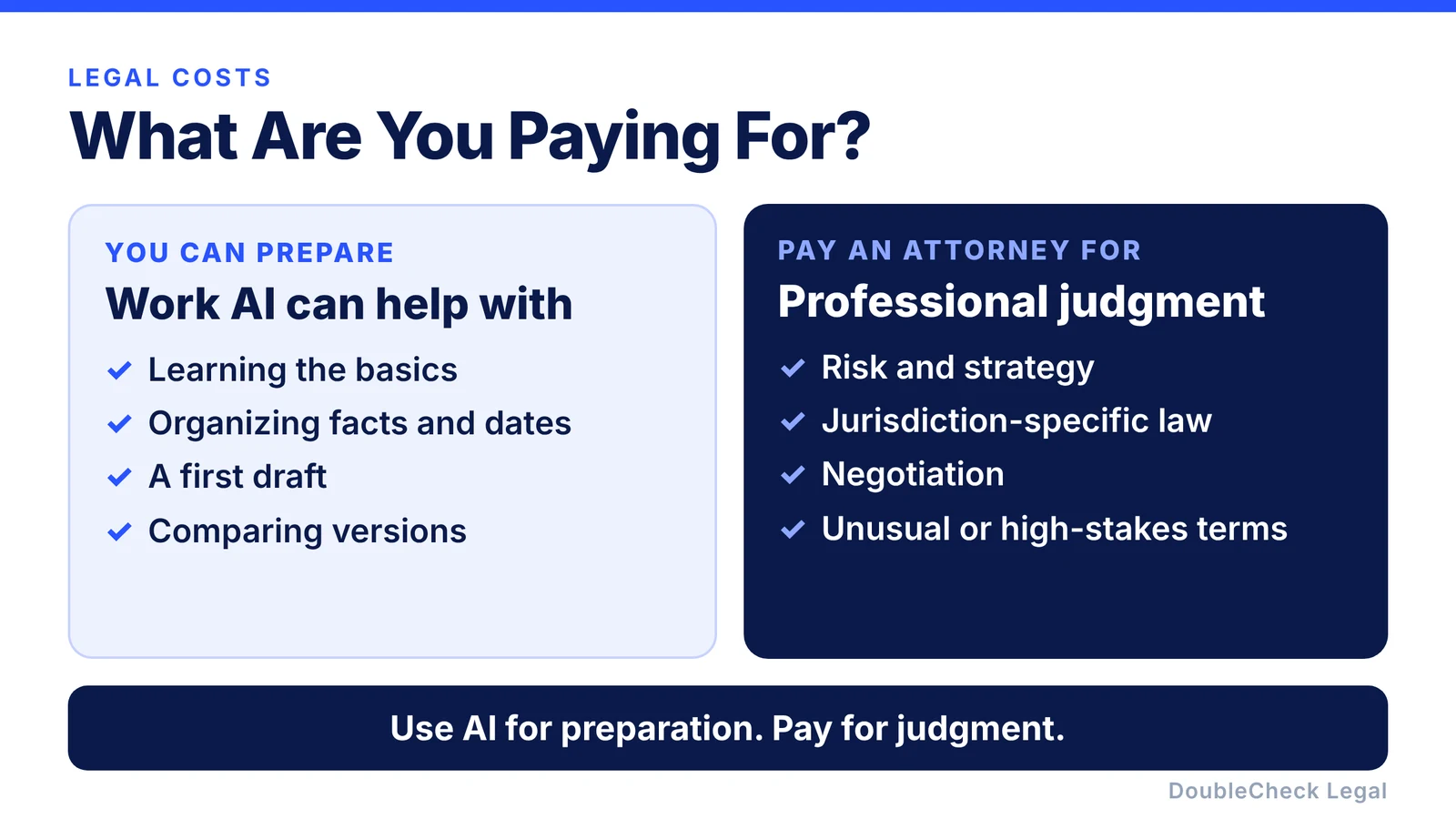
- Use AI for preparation: learning the basics, organizing facts, first drafts, and comparisons.
- Pay an attorney for judgment, risk, jurisdiction-specific law, and negotiation.
- Tell the attorney AI was involved and ask for a clearly defined scope.
- Do not cut corners on equity, fundraising, key IP, disputes, employment, or tax.
- Ask how expensive it would be if this were wrong.
Legal work can be expensive, but the answer is not necessarily to never use an attorney. For many business owners, a better approach is to reconsider what you are paying the attorney to do.
Why legal work gets expensive
A legal bill is not just someone typing a contract. Professional time can include gathering facts, reviewing documents, identifying missing information, researching, drafting, revising, explaining terminology, discussing your goals, negotiating, checking changes, and advising on risk.
Some of that requires professional legal expertise. Some of it does not have to start with an attorney. That is where AI can help.
Compare two emails to an attorney. The first: “I need a freelancer agreement. Can you make one for me?” The attorney has to learn the business, ask what the freelancer will do, work out payment, ask about IP and confidentiality, write the first draft, and fill in what is missing.
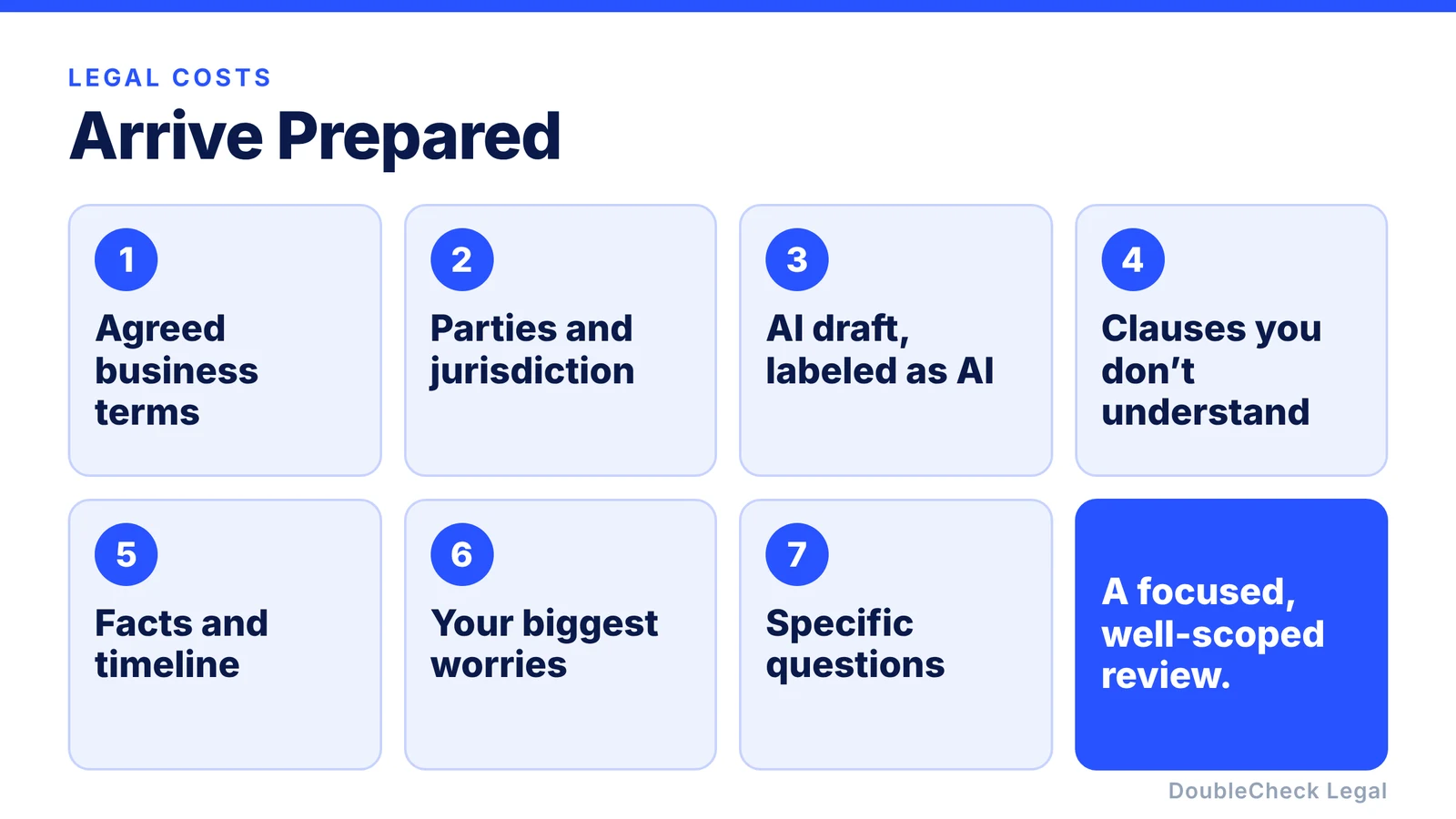
The second arrives with the commercial terms organized, an AI-generated first draft, the parties and jurisdiction, your concerns, the clauses you do not understand, and five specific questions. The conversation starts somewhere very different.
AI does not eliminate legal costs, but it can reduce the professional time spent on work you can prepare yourself.
1. Learn the basics before your attorney meeting
Suppose a contract arrives with indemnification, representations and warranties, limitation of liability, assignment, termination, and governing-law provisions. If you have never seen them, part of the meeting may go to explaining what they mean.
Prepare first:
“Explain these provisions to me as a non-lawyer business owner using simple examples.”
“Which of these provisions could create significant financial risk for a small software company?”
Then instead of asking “What is indemnification?” you can ask: “The indemnification provision appears to cover third-party IP claims with no obvious cap. Is that normal for this transaction, and can we narrow it?” That is a much more focused use of professional time.
2. Organize your facts first
Lawyers need facts, and AI can help you assemble them. For a dispute, collect the agreement, amendments, emails, invoices, relevant dates, and communications, then ask:
“Create a chronological timeline. Cite which document supports each fact. Separate facts from assumptions. Identify any missing dates or information.”
Review the timeline yourself, then give the attorney the organized material. They can focus on what the facts mean legally rather than starting by reconstructing what happened.
3. Create the first draft with AI
For routine agreements such as NDAs, freelance agreements, consulting agreements, vendor agreements, and simple service agreements, AI can help produce the first version. The key is giving it the actual transaction. Not “Draft an NDA,” but:
“Draft a mutual NDA between two California software businesses evaluating a potential technical partnership. Each side may share source-code architecture, product roadmaps, pricing, customer information, financial information, and technical documentation. The information may only be used to evaluate the potential partnership. Identify any assumptions or missing information before finalizing the draft.”
Then ask the AI to criticize its own work: “What important clause could be missing?”, “What assumptions did you make?”, “Which provisions could depend on jurisdiction?”, “Identify contradictions”, and “Review this from the other party’s perspective.” We walk through two common examples in our guides to writing an NDA and writing a freelance contract.
You may still hire an attorney. But instead of paying for the first words on a blank page, you bring a developed draft.
4. Do your own first review and comparison
Before paying for review, you can use AI to find where attorney time is most valuable. Upload the agreement and ask:
“Explain this contract and identify the ten provisions that create the largest obligations for my business.”
“Which provisions are unusual?”
“Identify every place where our liability could exceed the value of the contract.”
“List the issues that appear jurisdiction-dependent. What should I specifically ask an attorney to verify?”
That does not make the rest of the contract automatically safe. It means you can ask better questions.
Negotiation gets expensive when every revision needs a full re-read. AI can do a first comparison:
“Compare version 3 with version 4. Ignore formatting-only changes. Identify every substantive change and explain whether it benefits us, the other party, or is neutral.”
Verify the output against the documents, then you can tell the attorney: “They changed Sections 4.2, 7.1, 8.3 and 11. The redline is attached. The liability change worries me most.” The professional stays involved, with a narrower job.
5. Be open about AI and ask for a focused review
Tell the attorney the draft came from AI: “I created this first draft with ChatGPT” or “Claude helped me revise this contract.” It lets them look for problems common to generated documents, such as inconsistent defined terms, missing provisions, language borrowed from the wrong type of agreement, unsupported assumptions, mismatched jurisdictions, and contradictory obligations. You are not asking the lawyer to trust the AI. You are asking them to review it efficiently.
Then define the scope:
“The business terms are already agreed. Can you review the IP ownership, indemnification, limitation of liability, and termination provisions?”
“Can you review this eight-page AI-generated contractor agreement for major issues rather than redraft the entire document?”
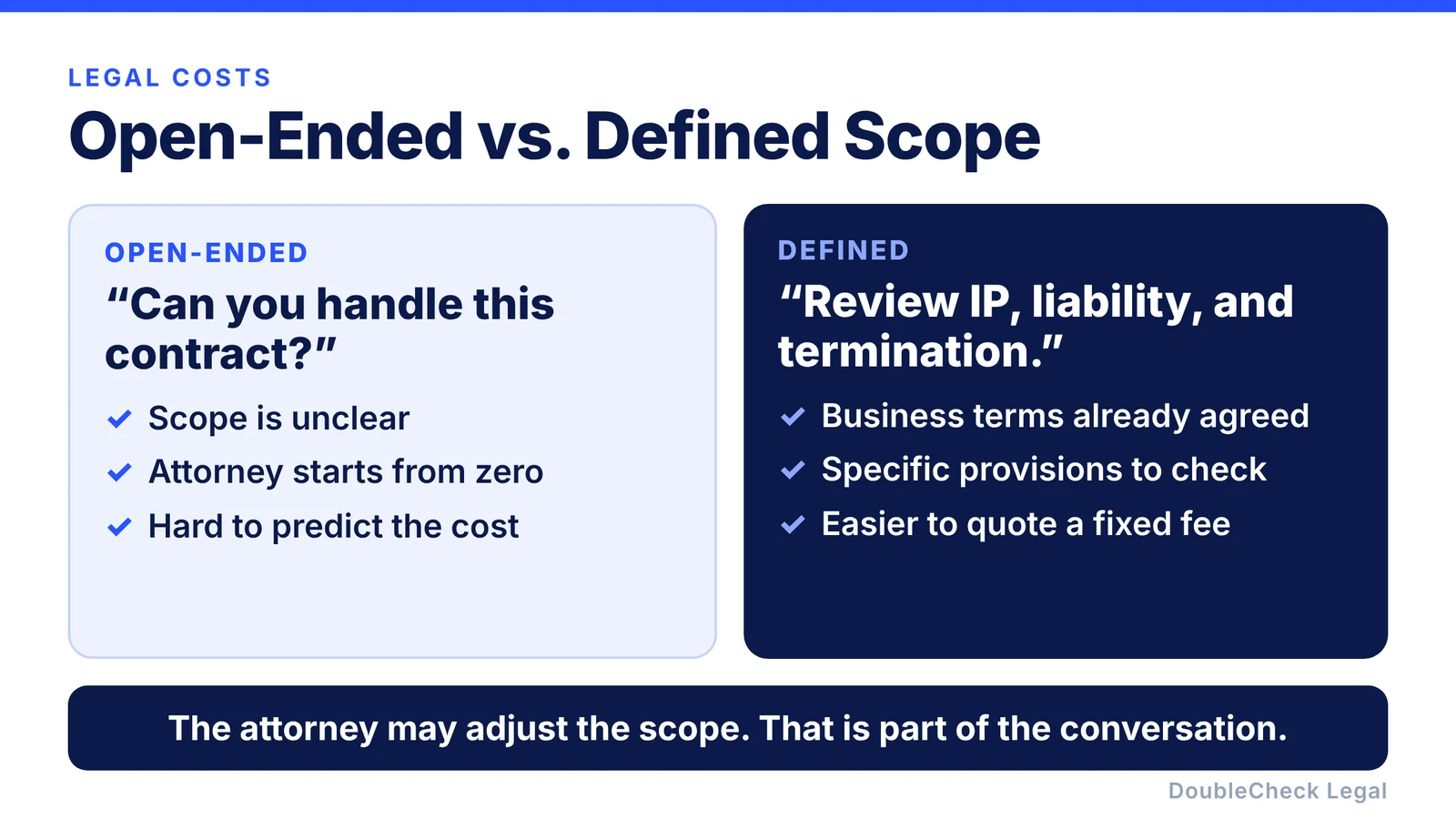
The attorney can tell you whether a limited scope makes sense. Not every matter can responsibly be reduced to one clause, but asking gives both sides a chance to define the work.
6. Find an attorney comfortable joining late, with a clear scope
Some business owners are not asking “please start from zero.” They are saying “I have done the preparation. Please check the important parts.” When searching, ask:
- Are you comfortable reviewing contracts drafted with AI?
- Can you review and redline an existing document instead of replacing it?
- Do you offer fixed-fee or defined-scope contract review?
Depending on the attorney and the task, you may be able to request a fixed-price document review, review of specific clauses, a limited consultation, or a redline with comments. For example: “I have an eight-page consulting agreement. The business terms are final. I need review of IP, confidentiality, termination, liability, and contractor classification. Can you quote a fixed fee for that scope?” The attorney may accept, adjust, or tell you the matter needs broader work. Either way you are discussing a concrete task.
For where to look and what to send, see our guide to finding a lawyer to review a contract you drafted with ChatGPT.
7. Use an AI agent for multi-step preparation
You can go further with AI agents. Instead of asking ten separate questions, an agentic workflow can read the document, pull your business context, compare the agreement with previous contracts, flag unusual clauses, search current sources, list assumptions, and prepare the attorney briefing. We explain how agents differ from chatbots in AI agent vs. chatbot for legal work.
The principle does not change: more automation does not mean less need for verification.
Where not to try to save money
Reducing unnecessary legal cost is very different from avoiding professional advice when the consequences are significant. Be particularly careful with founder equity, fundraising, securities, important intellectual property, acquisitions, major financing, litigation or threatened litigation, regulatory matters, employee terminations, worker classification, tax, significant commercial liability, or any agreement where a mistake could materially affect the company.
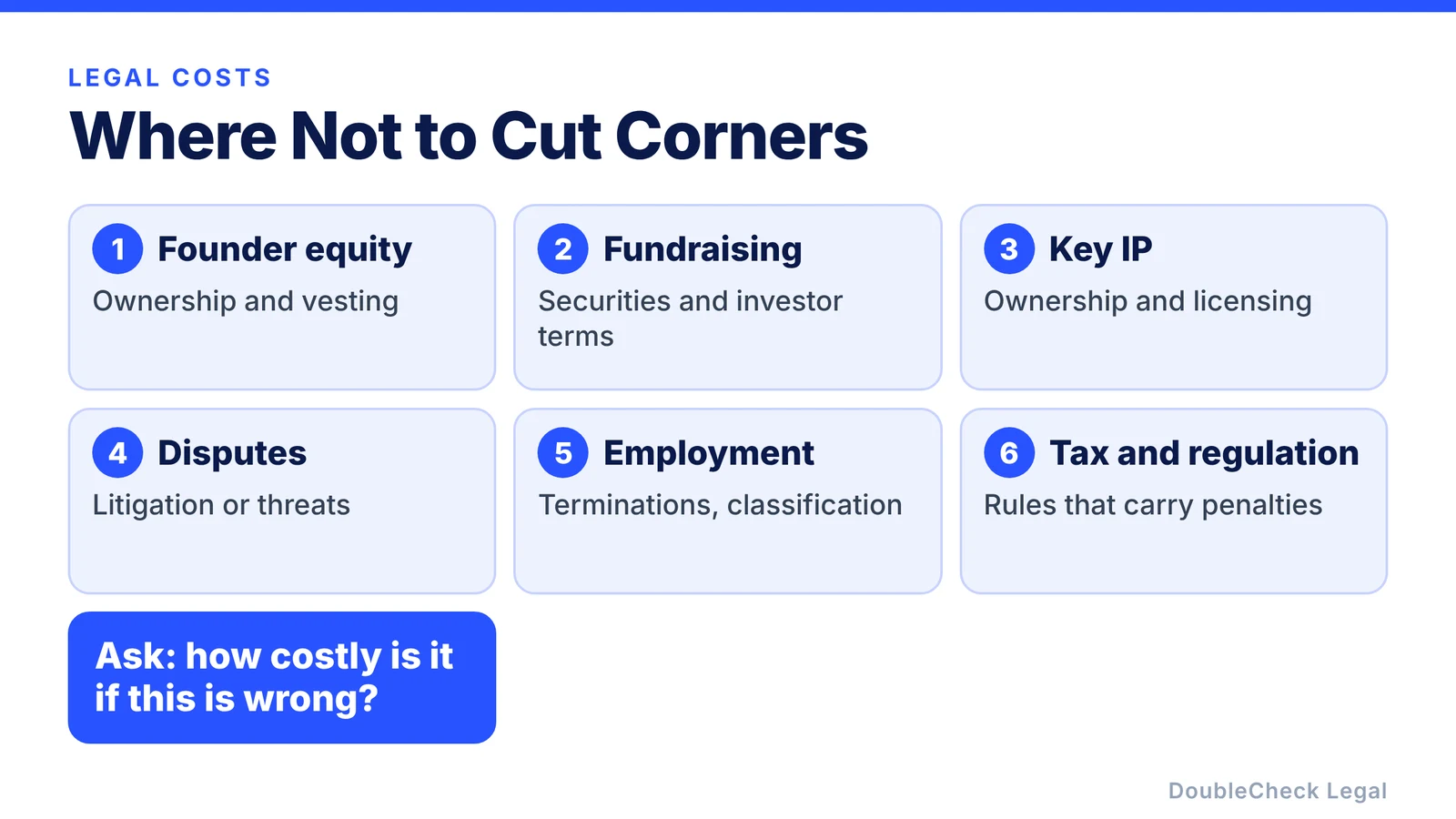
Ask yourself: how expensive would it be if this were wrong? If the answer is “very,” professional review may be one of the cheapest parts of the transaction.
The goal is also not the cheapest lawyer. An experienced attorney who understands your exact issue and resolves it quickly can be more efficient than a cheaper one who needs longer to understand it. Think fit, scope, preparation, and clarity, not only hourly price. AI mainly helps with preparation.
What business owners told us
In DoubleCheck’s 2026 survey of 99 business respondents, cost was the most commonly named barrier to attorney review (45 of 99). Among respondents who use AI for legal documents, 83% said they would pay for professional review, and the median amount respondents said they would pay for one review was $125.
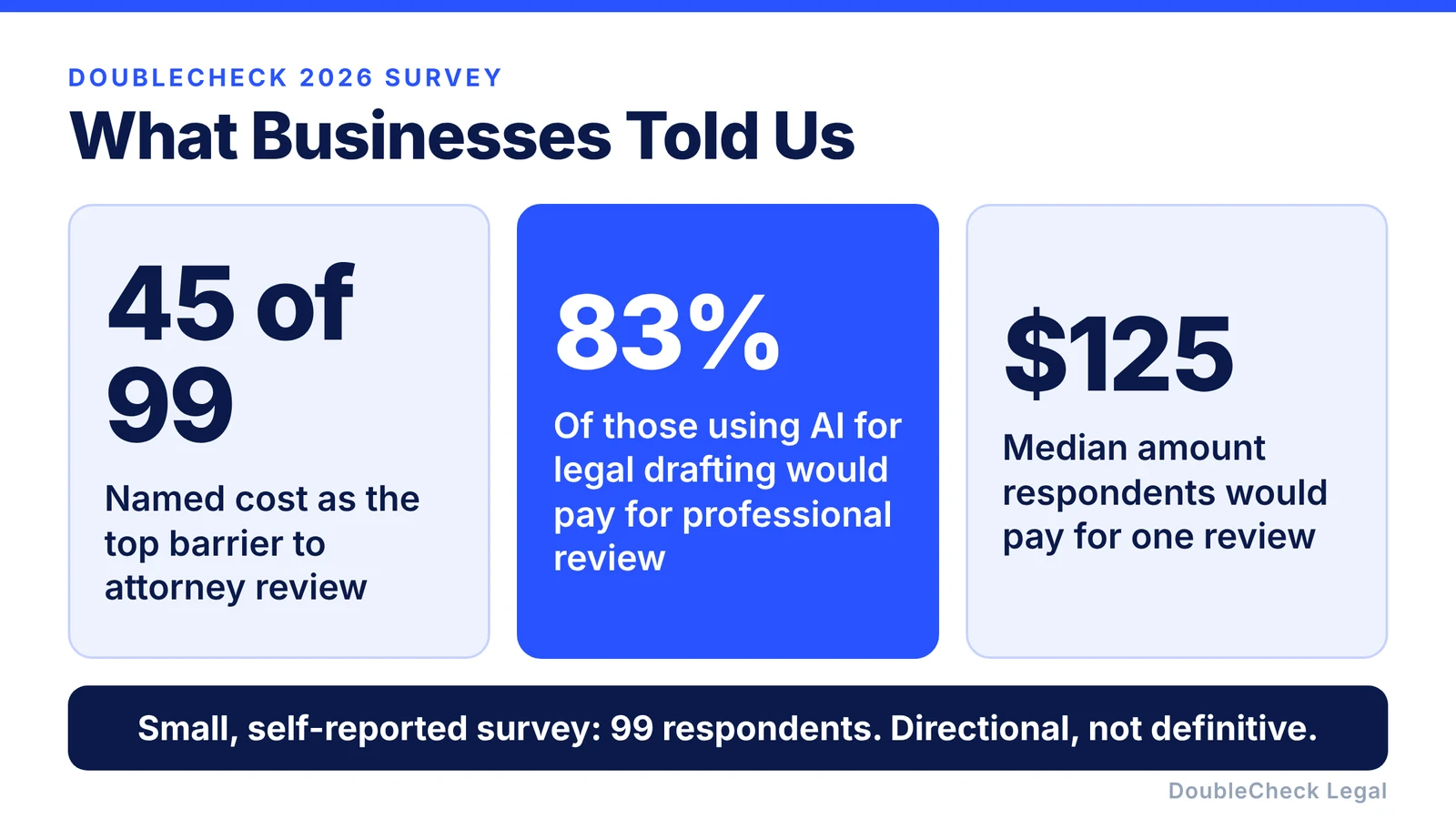
This is a small, self-reported survey, so treat it as directional rather than definitive. But it points to something interesting: many business owners are not saying “I never want an attorney.” They are saying “I already did part of the work. I want an efficient way to get the important part checked.”
A cheaper legal workflow does not mean an attorney-free one. The old workflow was problem, lawyer, research, draft, explanation, revisions. A newer one can be problem, AI preparation, AI draft, your review, then attorney review where needed.
Where DoubleCheck fits
DoubleCheck is built for businesses that start legal work with AI. Bring your existing question, document, or AI-generated draft, use an AI-first workflow to understand and verify it, and when professional advice is appropriate, connect with independent attorneys across startup and business practice areas. DoubleCheck’s attorneys are independent professionals, and an attorney-client relationship is formed only if an attorney accepts the engagement.
The AI does what AI is good at. The attorney does what professional judgment is good at.
FAQ
Can AI reduce my legal fees?
AI can help with preparation, organization, explanation, comparison, and first-draft work that might otherwise take professional time. Whether it lowers your total legal spend depends on the matter, the attorney, the scope, and the complexity.
Can I draft a contract with ChatGPT and then have a lawyer review it?
Yes, you can ask an attorney whether they will review an existing AI-generated draft. Tell them how the document was created, give them the business context, and explain what kind of review you want.
Is it cheaper to have a lawyer review a contract than draft it?
It can be, depending on the lawyer, the quality of the draft, the complexity of the matter, and the scope of review. A poor draft can take longer to repair than a fresh agreement would take to write, so do not assume review is always cheaper.
How can a small business reduce legal costs?
Useful strategies include organizing facts before contacting counsel, learning basic terminology, preparing specific questions, using AI for preliminary drafting and comparison, asking for clearly scoped work, and finding attorneys whose experience matches the problem.
What legal work can I do with AI before hiring a lawyer?
AI can help explain terminology, summarize documents, organize facts, compare drafts, identify questions, create initial contract language, build timelines, and prepare an attorney briefing.
Should I find a lawyer who uses AI?
The more important question is whether the attorney understands your matter and is comfortable reviewing work you have already done. Familiarity with AI workflows can make collaboration easier, but relevant legal expertise is essential.
When should I not rely on AI to save legal costs?
Be especially cautious when the issue involves major financial exposure, litigation, fundraising, securities, significant intellectual property, employment decisions, regulation, tax, acquisitions, or anything where a wrong conclusion could materially harm the business.
General information only. This article is not legal, tax, investment, or accounting advice.